
Stop fighting your software. Start making things.
Carbide Create Pro works with your 3018-PRO — no workarounds, no hacks, just clean toolpaths and reliable G-code.
You didn't buy a 3018-PRO to spend weekends stitching together three different programs and googling why it won't work. Carbide Create Pro gives you a real CAM workflow — designed for people who'd rather be cutting than configuring.
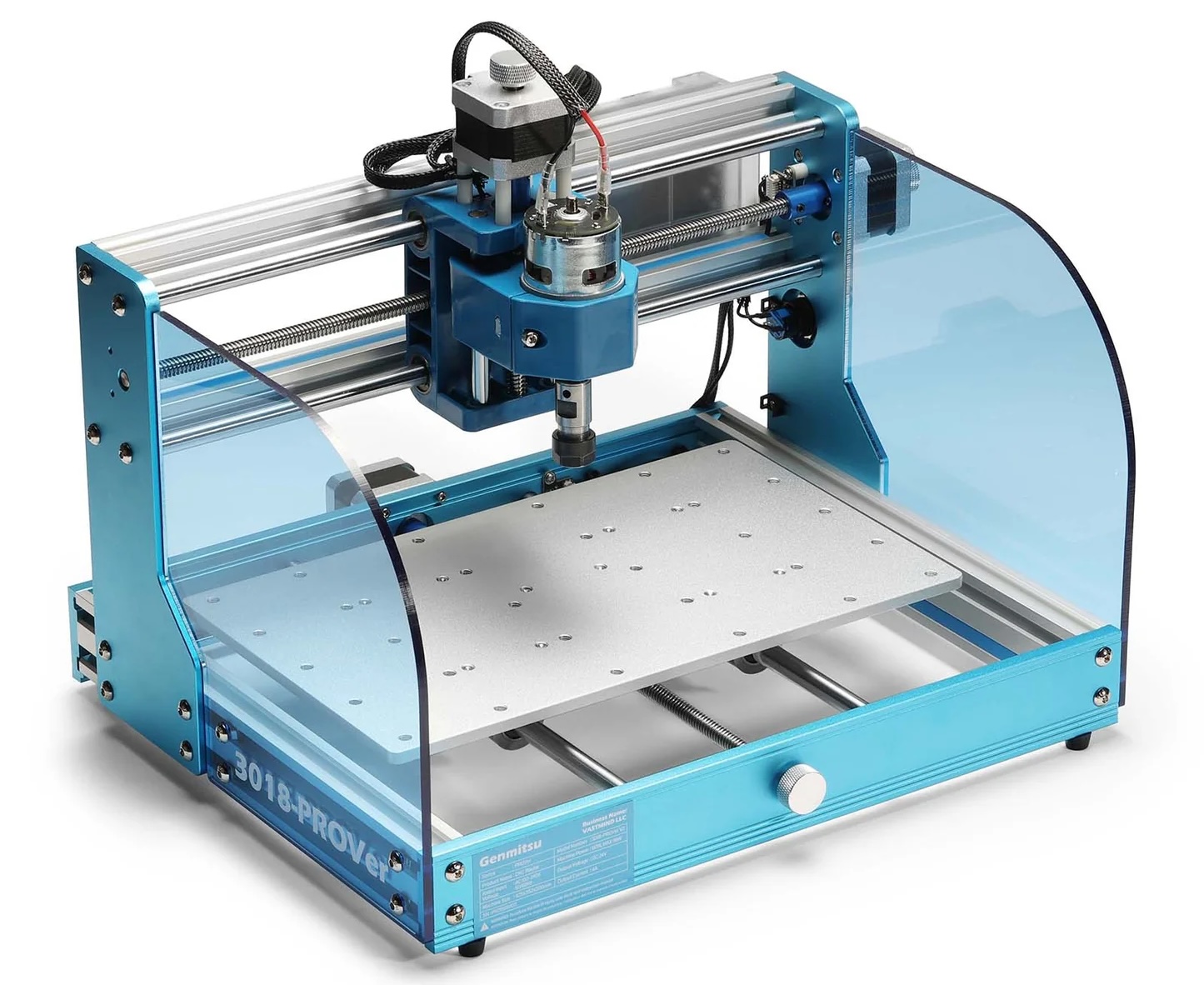
We know what you're dealing with
You picked up a 3018-PRO because it was the cheapest way to get into CNC without a huge commitment. The hardware's decent for the price. But the software situation? That's where things fall apart.
Sound familiar?
Import your SVG, DXF, or design from scratch — then generate toolpaths in the same program. No more bouncing between Inkscape, a CAM tool, and a sender. No wondering if your file format is right.
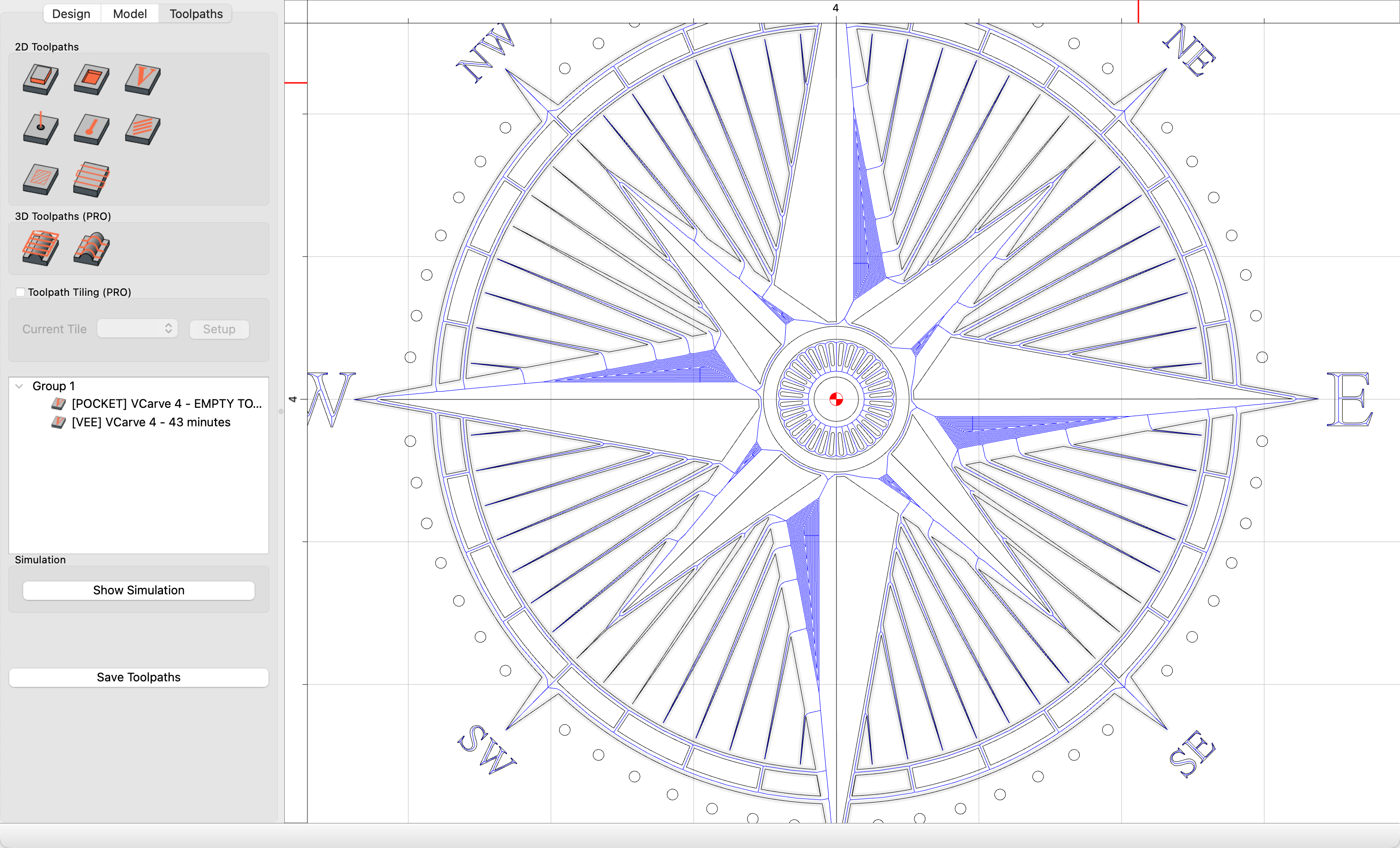
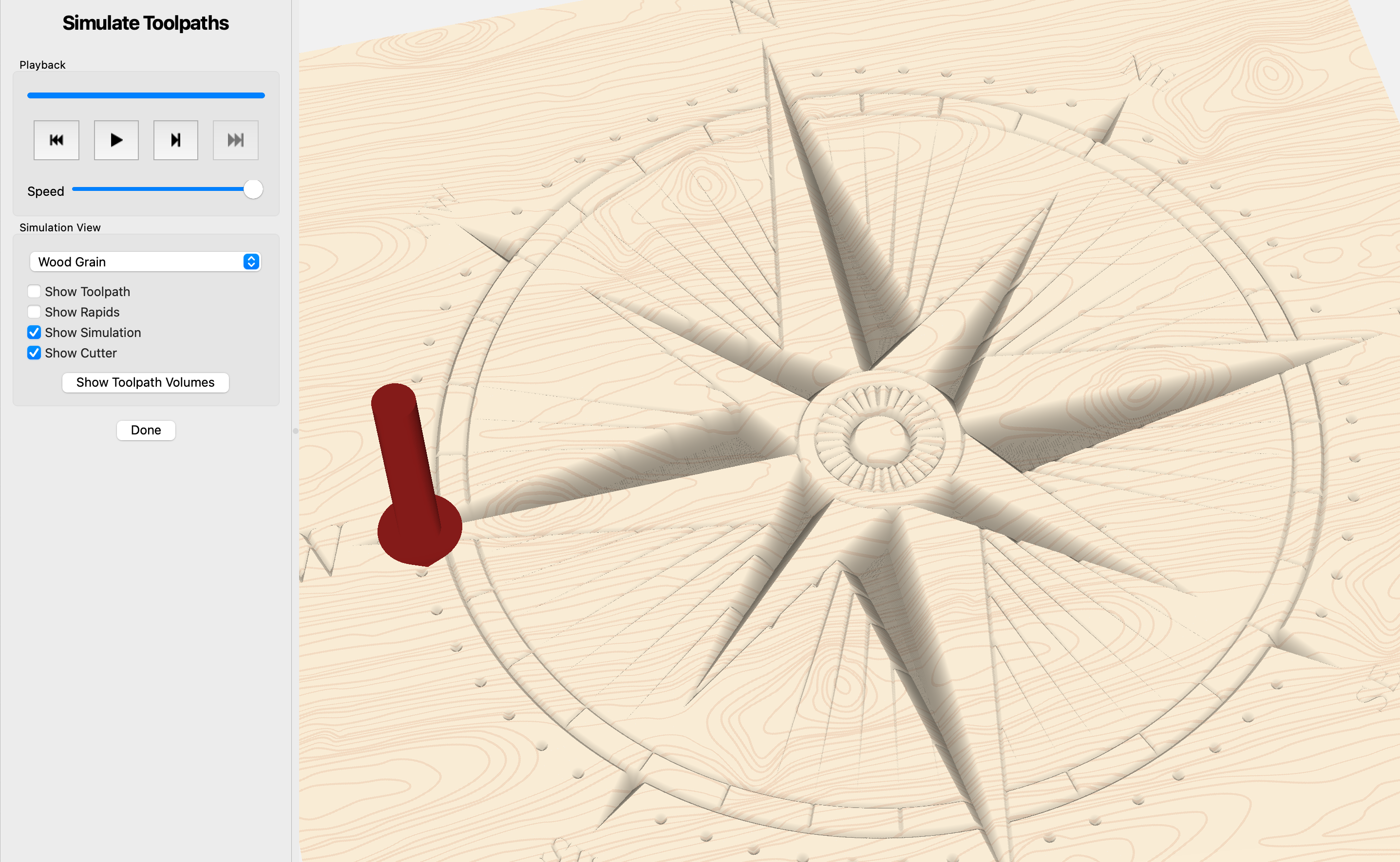
Select "GRBL" as your post-processor and hit export. That's it. No custom post-processor files to download, no forum threads about which dialect of GRBL your Woodpecker board needs. Standard .nc files, ready to send with Candle, UGS, or gSender.
You don't need to understand what "adaptive clearing" is to engrave a name in wood. Pick your operation type, set your depth, and Carbide Create Pro handles the rest. When you're ready to go deeper, the tools are there — but they're not in your face on day one.
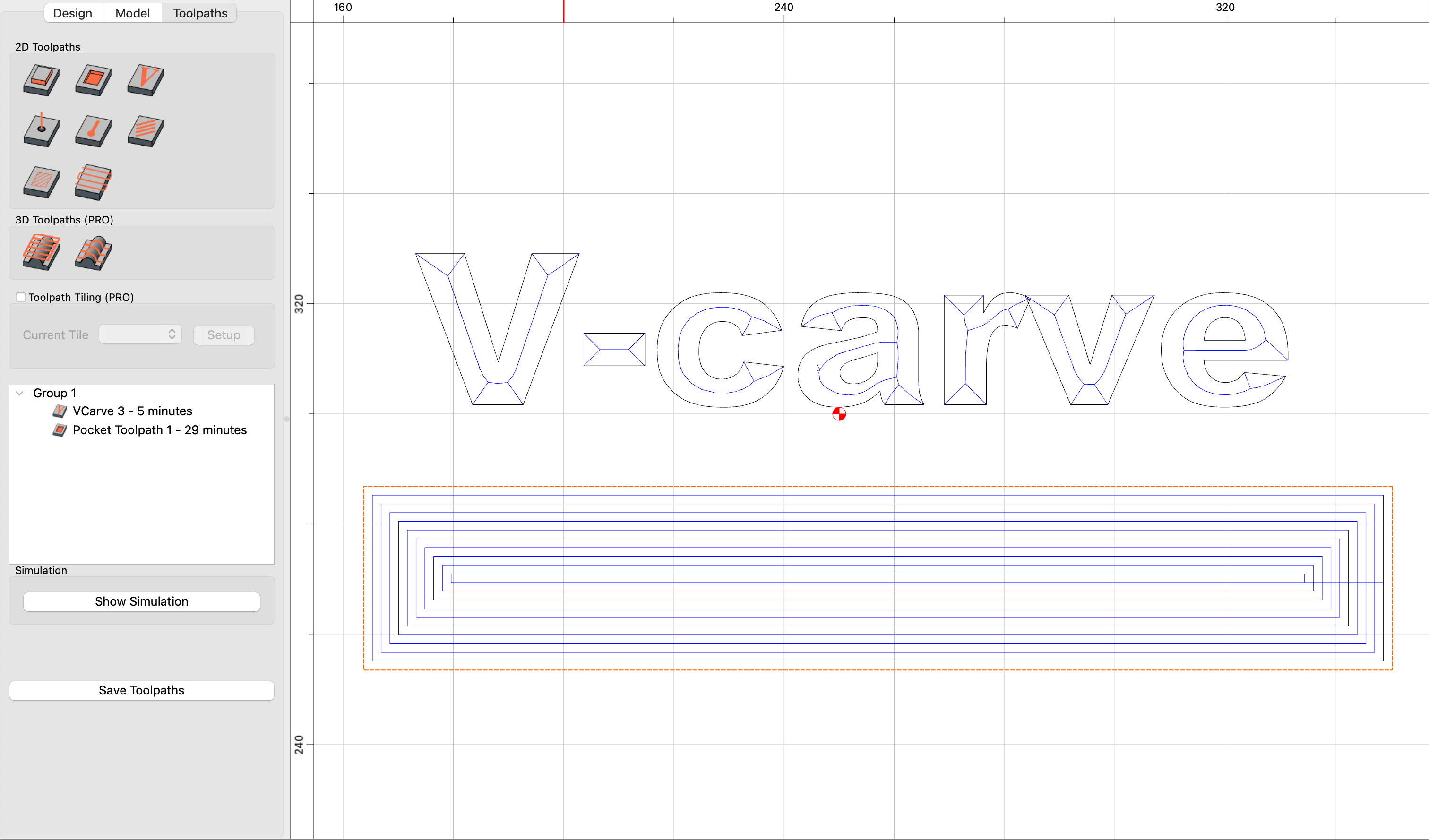
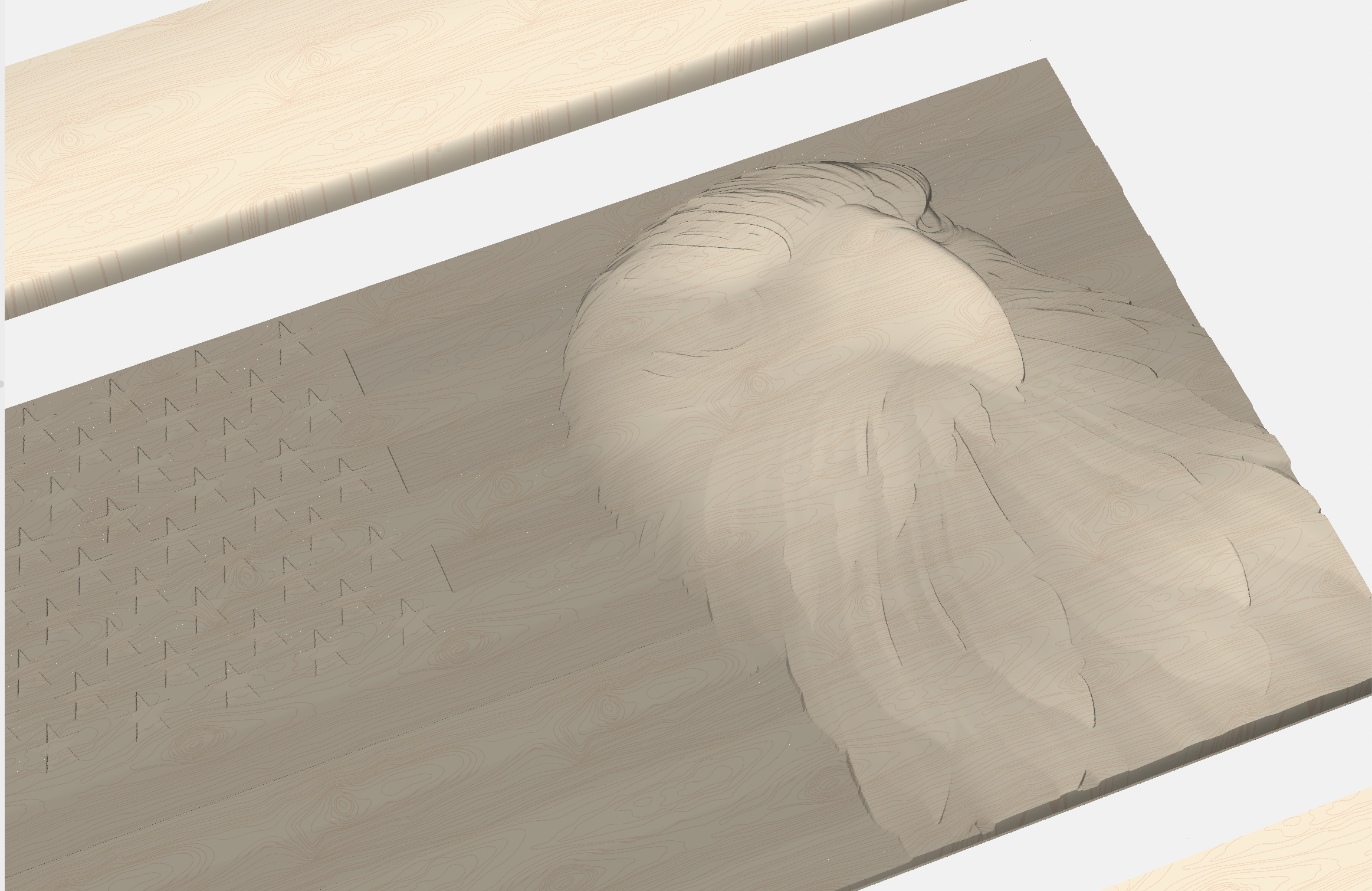
Start with 2D work — signs, cutouts, inlays, and V-carving. When you're ready to level up, Carbide Create Pro's 3D toolpaths let you carve relief surfaces and sculpted designs. Rough with a flat end mill, finish with a ball nose — all set up in the same project file.
From download to first cut
1. Download and install — Windows and Mac. No browser required; no account needed.
2. Set up your machine — Select the "GRBL" post processor.
3. Design or import — Draw in Carbide Create, or import SVG/DXF files from Inkscape, Illustrator, or anywhere else.
4. Create toolpaths — Select your material, pick your bit, choose your operation. Carbide Create Pro suggests reasonable starting parameters.
5. Export and cut — Hit "Export G-code," open the .nc file in Candle or UGS, and run it. Done.
How it stacks up
| Carbide Create Pro | Easel Pro | Fusion 360 | VCarve Desktop | |
|---|---|---|---|---|
| Price | $120/year | $200/year | Free (hobby) | $700 one-time |
| Works offline | Yes | No | Kind-of | Yes |
| Works on Windows and Mac | Yes | Yes (browser) | Yes | No |
| Learning curve | Low | Low | High | Medium |
| GRBL export | Built-in | Built-in | Requires post | Built-in |
| V-carving | Yes | Yes | Manual | Yes |
| 3D toolpaths | Yes (Pro) | No | Yes | Yes ($900 Pro) |
Pricing
Get everything in Carbide Create Pro including:
No credit card required. Works with your Genmitsu 3018-PRO today.
It works with any machine that runs GRBL — including every Genmitsu model. Select "GRBL" when you export and send the .nc file with whatever sender you already use (Candle, UGS, gSender, etc.).
No. Carbide Motion is our G-code sender for Shapeoko and Nomad machines. You'll keep using your existing sender — Candle, UGS, or gSender. Carbide Create Pro handles the design and toolpath side only.
Carbide Create Core exports G-code for Carbide 3D machines only. Carbide Create Pro unlocks full G-code export to any machine. We know this has been confusing — Create Pro is the version built for your use case.
Yes. Carbide Create Pro imports SVG and DXF files from any source — Inkscape, Illustrator, Affinity Designer, or anything else that exports those formats.
Easel is great for getting started, but if you've hit the limits of the free tier or you're tired of needing internet access in the shop, Carbide Create Pro gives you a full offline CAM workflow with more toolpath options — including 3D carving. And at $120/year vs. $200/year for Easel Pro, you get more for less.
Carbide Create Pro works with any CNC machine. If you move from a 3018-PRO to a 4040-PRO, a LongMill, or even a Shapeoko, just update your post processor. Your projects, toolpaths, and workflow carry over.
Carbide Create Pro runs natively on macOS — no compatibility workarounds needed. You'll still need a Mac-compatible sender to actually run jobs (UGS and gSender both work on Mac), but the design and toolpath side is fully covered.
We'll keep you up to date on new things in the world of Carbide 3D, and CNC in general.